




LED TV Vertical Lines on Screen: Causes and Solutions
Have you ever wondered why your television displays strange lines? This common issue can leave viewers puzzled and frustrated. Understanding the root causes is essential for effective troubleshooting.
Vertical and horizontal lines can appear on various models, from LED to LCD and even QLED televisions. These lines may come in different colors, such as black, white, red, or multicolored, adding to the confusion. The presence of these lines can indicate anything from a simple loose connection to a more serious panel problem.
This guide will help you navigate through the diagnostic process. By separating software symptoms from hardware faults, you can identify the underlying issue. It will also introduce key differences between vertical and horizontal lines, which can have different causes and repair options.
Readers in the UAE will find valuable context, especially regarding Samsung support resources and local repair services from Super Fix Appliances. By the end of this article, you will be better equipped to understand the issue before deciding whether your television needs professional repair or replacement. Super Fix currently services TVs and LEDs alongside other major household appliances across Dubai.
Key Takeaways
- Lines on televisions can indicate various issues, from minor connection problems to serious hardware faults.
- Understanding the difference between vertical and horizontal lines can help narrow the diagnosis.
- Software or input problems can sometimes be mistaken for hardware faults.
- Local TV repair services in the UAE can provide professional diagnosis when basic checks fail.
- Samsung's built-in Picture Test can help distinguish TV display faults from external source problems.
Understanding the Issue: LED TV Vertical Lines on Screen
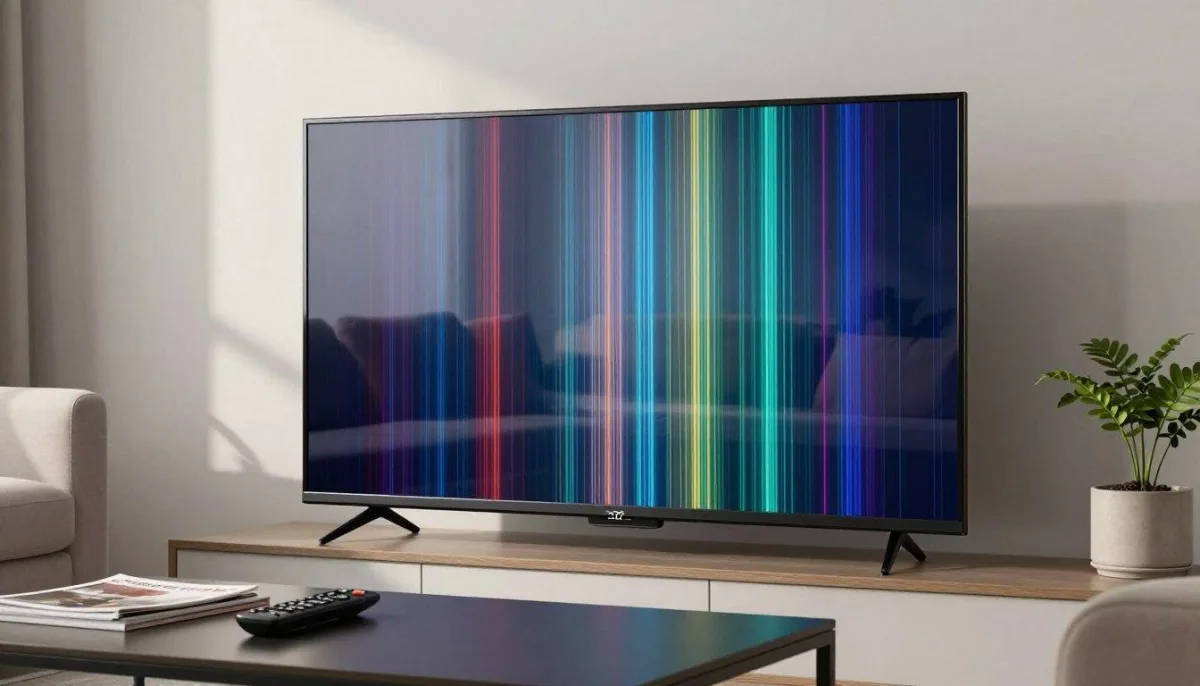
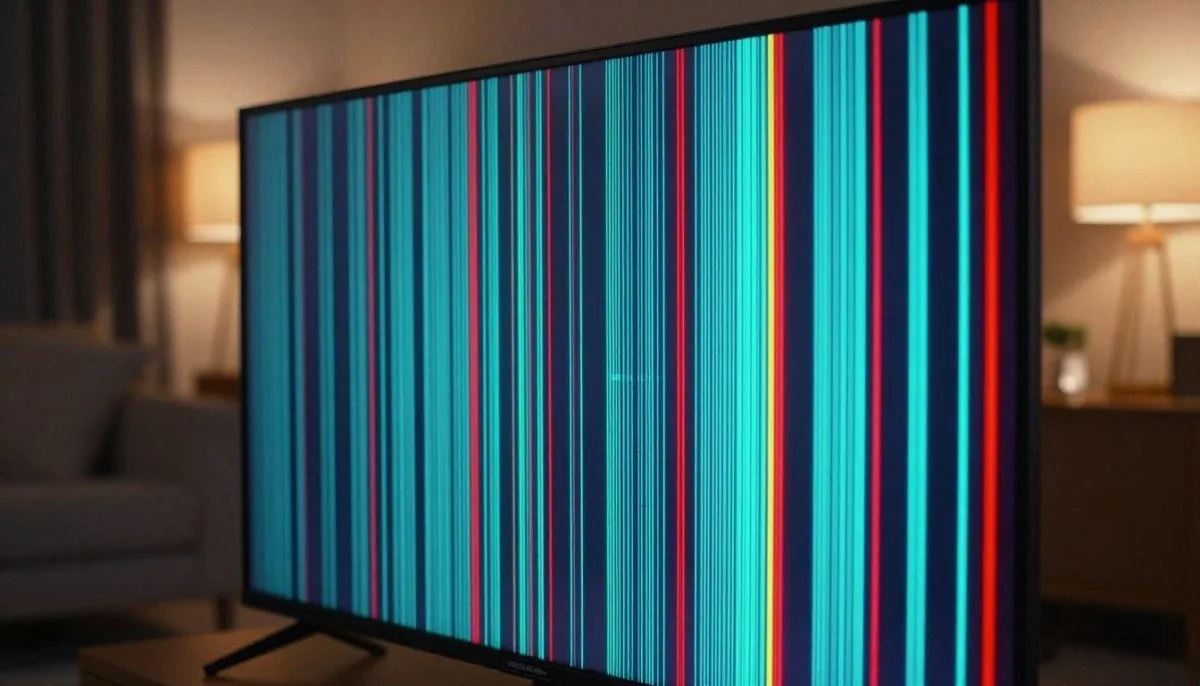
What might be behind the lines that appear on your television display? Identifying the symptoms is crucial for a proper diagnosis. Lines can appear in various colors, including black, white, red, or even multicolored. Observing whether these lines are fixed, flickering, or changing during picture playback can provide essential clues.
Different display technologies, such as LED, LCD, QLED, and Neo QLED, can all develop screen-line issues. Diagnosis should take into account the specific television model. A single line might indicate a localized connection or display fault, while multiple lines or a half-screen failure could suggest broader damage involving the panel or internal boards.
Samsung's current troubleshooting guidance similarly recommends checking whether screen lines move or remain permanent, checking the input and HDMI connection, and determining whether the problem remains visible in the TV's own menu or Picture Test. Samsung Gulf screen-line troubleshooting guide
Symptoms and Observations
- Black, white, red, or multicolored lines may appear.
- Lines can be fixed or flicker during playback.
- A single line may indicate a localized connection or display issue.
- Multiple lines can indicate broader panel or board damage.
Differences Between Vertical and Horizontal Lines
Vertical lines can be related to signal-distribution problems, cable or connector faults, driver circuitry, the T-Con board, or the panel itself.
Horizontal lines can also result from signal, driver, or panel-related faults. Physical impact can damage display glass, electrodes, connections, or driver circuitry, making some screen faults more difficult or uneconomical to repair.
The direction of a line is useful diagnostic information, but it should not be treated as proof that one specific component has failed.
Common Causes and In-Depth Diagnostics
Curious about what causes those annoying lines on your display? Understanding the underlying problems can lead to effective solutions. Various factors can create these display issues, and diagnosing them correctly is essential.
Panel and Board Faults
Panel faults and board failures are common culprits. For instance, a faulty T-Con can disrupt the signals reaching the pixels, leading to vertical lines. Similarly, issues with the main board can affect video processing, causing multiple lines to appear.
Loose Cables and Connections
Loose cables and connectors can lead to temporary symptoms. Checking and reconnecting external HDMI, power, or signal cables can sometimes resolve the issue.
If external connections are secure and the lines remain visible in the TV's own menu or Picture Test, the fault may be inside the television. Internal ribbon cables, circuit boards, and panel connectors should be inspected by a qualified technician rather than disconnected or reseated while the TV is powered.
LG UAE also recommends checking the input source and HDMI cable and performing a screen self-diagnosis or Picture Test when abnormal lines persist. LG UAE TV screen-line troubleshooting
Software Glitches
Software glitches can also contribute to display problems. Occasionally, restarting the television or installing an available firmware update may resolve an issue.
If the lines disappear after a restart, software update, or change of input source, the problem may not be a permanent panel fault. Samsung also recommends checking for current software updates and testing another input source when troubleshooting lines on the screen.
| Cause | Description | Potential Fix |
|---|---|---|
| Faulty T-Con | Interrupts signals reaching pixels | Professional T-Con diagnosis or replacement |
| Main Board Failure | Can disrupt video processing | Repair or replace main board |
| Loose Cables | Can cause temporary lines | Check or replace external cables |
| Software Glitch | Can create display anomalies | Restart or update firmware |
Effective Troubleshooting and Practical Repair Solutions
Is your television acting up with unexpected visual disturbances? Addressing the issue begins with separating problems caused by the incoming signal from faults inside the television.
Run a Picture Test
A Picture Test is one of the most useful first diagnostic steps on a compatible Samsung television.
Samsung Gulf's current guidance, updated in June 2026, recommends accessing Settings, selecting Support or Customer Support, then using Device Care or Self Diagnosis to locate the Picture Test. Exact menus can vary by model. Samsung Gulf Picture Test instructions
For older Samsung models, the official guidance provides these examples:
- 2016-2019 models: Settings > Support > Self Diagnosis > Start Picture Test
- 2015 models: MENU/123 > MENU > Support > Self Diagnosis > Picture Test
- 2014 models: Support > Self Diagnosis > Picture Test
For newer televisions, follow the menu shown on your model or consult its user manual, because menu names can vary between series and software versions. Samsung's Self Diagnosis tools on supported models can also test HDMI connections, video, software, and other functions.
What the Picture Test Tells You
If the Picture Test looks normal but the lines appear when watching a set-top box, game console, streaming device, or another HDMI source, inspect the external device, HDMI cable, and input connection first.
If the lines remain visible during the Picture Test or on the TV's own menus, the television itself may need further diagnosis. Samsung recommends contacting support when persistent screen problems remain after these checks.
Check External Cables Before Internal Hardware
Begin with the safe external checks:
- Make sure HDMI and other signal cables are firmly connected.
- Try another HDMI port if available.
- Test another compatible HDMI cable.
- Restart the television and connected device.
- Test another input source.
- Check for a television software update.
Do not open the television or handle internal boards while it is connected to power.
When the T-Con or Main Board May Need Repair
If the lines remain after external cables, inputs, software, and the Picture Test have been checked, a technician may need to diagnose the T-Con board, main board, display connectors, or panel.
Replacing a T-Con or main board requires the correct part for the television model and safe access to internal electrical components. It should not be treated as a routine DIY repair.
For professional diagnosis, LED TV repair in Dubai from Super Fix Appliances covers screen problems, picture-quality faults, Smart TV software issues, HDMI connectivity, panel work, and other LED, LCD, and Smart TV repairs across Dubai.
For professional help in the UAE, prioritize safety when internal components are involved. Correct handling and mounting are important because large television panels can be fragile and difficult to work on safely.
The original draft referred readers to another UAE repair company at this point. I have replaced that competitor reference with the relevant Super Fix TV service rather than promoting another repair business inside a Super Fix Appliances article. The original professional-repair paragraph appears in the source here.
Conclusion
Have you noticed unusual disturbances affecting your viewing experience? Understanding the root causes is vital for effective troubleshooting. Vertical lines can point to problems involving external cables, signal distribution, the T-Con board, main board, display drivers, or the panel itself. Horizontal lines can likewise be associated with signal, driver, or panel faults.
A Picture Test can help distinguish between external source problems and faults affecting the television itself. Remember that model-year menus can vary, so check the settings available on your specific television.
If vertical lines persist after external connections, software, inputs, and compatible internal boards have been properly diagnosed, the panel itself may be defective. In some cases, the cost of panel replacement may exceed the practical value of repairing the television.
For owners in the UAE, sensible options include safe external checks, official manufacturer troubleshooting, or professional home repair. Documenting when the lines appear, whether they are visible in the TV menu, which inputs are affected, and the exact TV model can help a technician select the most economical repair path before parts are purchased.
If professional diagnosis is needed, Super Fix Appliances provides TV and LED repair services in Dubai, while its dedicated TV repair service page covers screen, software, connectivity, panel, and picture-quality problems.
Frequently Asked Questions
What causes vertical lines to appear on my display?
Vertical lines can be caused by various issues, including panel faults, problems with the main board, a faulty T-Con board, signal problems, or cable and connection faults. Diagnosing the exact cause is essential for effective repair.
How can I troubleshoot this issue myself?
Start by checking external cable connections to ensure they are secure. Try another input or HDMI cable, restart the television, check for software updates, and perform a Picture Test if your television supports one.
Avoid opening the television or handling internal boards unless you are qualified to work on electronic equipment.
When should I seek professional help?
If basic troubleshooting does not resolve the issue, or if you suspect damage to the LCD/LED panel, T-Con board, main board, or other internal components, it is advisable to consult a professional technician for further diagnosis and repair.
Are there any software issues that could cause this problem?
Yes. Software glitches or incorrect settings can sometimes contribute to display problems. Restarting the television and updating its software are sensible first steps. A factory reset may also help in some software-related cases, but remember that it can erase saved settings and accounts.
Can loose cables lead to display lines?
Yes. Loose or damaged external cables can disrupt the video signal sent to the display and produce lines or other picture abnormalities. Checking and securing HDMI and other external connections is an important early troubleshooting step.
Related Troubleshooting Guides
For a deeper look at TV-specific repair costs and screen faults, see LED TV Has Vertical Lines on Screen: Repair Guide and Costs. Super Fix's blog index currently lists this as its existing TV-specific screen-line article.
For another symptom-based appliance troubleshooting guide, see Why Is My Fridge Making Loud Noises? Common Repair Solutions, which covers identifying symptoms, safe initial checks, and deciding when professional repair is required.